
How to Declutter Your Digital Life for a More Organized You
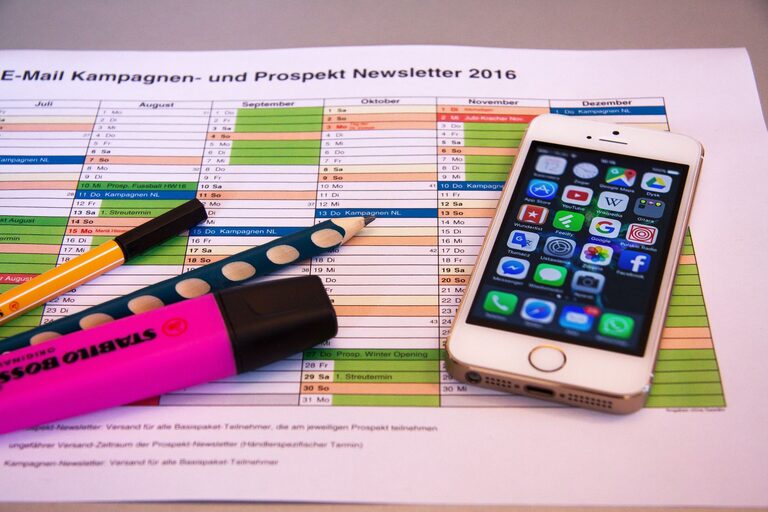
In today’s digital age, our lives are intertwined with technology more than ever before. From smartphones and laptops to cloud storage and social media, managing the digital clutter can quickly become overwhelming. A cluttered digital space not only slows down your devices but also impacts your productivity and peace of mind. The good news is that decluttering your digital life is achievable with some simple, practical steps.
In this post, we will explore effective ways to clean up your digital environment, organize your files and apps, and maintain a clutter-free online presence.
Why Decluttering Your Digital Life Matters
Before jumping into the steps, it’s helpful to understand why digital decluttering is important:
– Improves Focus: Reducing distractions from unnecessary files and notifications helps you concentrate better.
– Enhances Performance: Devices run faster when storage isn’t overloaded.
– Saves Time: Organized digital spaces make it easier to find documents or apps when you need them.
– Reduces Stress: A clutter-free digital environment promotes calm and control.
Step 1: Organize Your Files and Folders
Sort and Delete Unnecessary Files
Start by reviewing your documents, photos, videos, and downloads folder. Remove duplicates, outdated files, or those you no longer need.
Create a Folder System
Design a simple, logical folder structure that fits your lifestyle. For example:
– Work
– Personal
– Finances
– Photos
– Projects
Keep folder names clear and consistent to make searching easier.
Use Cloud Storage Wisely
Transfer important files to a trusted cloud service like Google Drive, Dropbox, or OneDrive. This frees up local storage and provides easy access across devices.
Step 2: Manage Your Email Inbox
Unsubscribe from Unwanted Newsletters
Reduce incoming clutter by unsubscribing from newsletters or promotions you don’t read. Most emails have an unsubscribe link at the bottom.
Create Folders and Filters
Set up folders for categories such as “Work,” “Bills,” or “Friends.” Use filters to automatically sort incoming emails into these folders.
Archive or Delete Old Emails
Keep your inbox manageable by archiving emails you might need later but don’t require immediate action on. Delete irrelevant or spam messages regularly.
Step 3: Clean Up Your Apps and Software
Review and Remove Unused Apps
Go through your devices and uninstall apps you haven’t used in months. This frees storage and declutters your home screen.
Update Essential Apps
Make sure remaining apps and software are up to date for security and performance improvements.
Organize Apps into Folders
Group similar apps together, such as all social media apps in one folder and productivity apps in another. This will simplify navigation.
Step 4: Streamline Your Digital Devices
Declutter Your Desktop
Keep only frequently used shortcuts or files on your desktop. Move everything else into their appropriate folders.
Clear Browser Bookmarks
Delete bookmarks you no longer use. Organize useful bookmarks into folders for quicker access.
Manage Notifications
Turn off unnecessary app notifications to reduce distractions and digital noise throughout your day.
Step 5: Secure and Backup Your Digital Data
Use Strong Passwords and Managers
Protect accounts with strong, unique passwords. Consider a password manager to keep track of them safely.
Regularly Backup Important Data
Set up automatic backups for important files and photos to an external hard drive or cloud storage. This prevents data loss from technical issues.
Step 6: Maintain Your Digital Organization Routine
Schedule Regular Decluttering Sessions
Set a reminder to review and clean your digital spaces weekly or monthly.
Practice Mindful Digital Habits
Only save files you truly need, unsubscribe promptly from unwanted emails, and limit app downloads.
Use Productivity Tools
Consider tools like task managers, calendar apps, and note-taking apps to stay organized.
—
Final Thoughts
Decluttering your digital life is a rewarding process that can boost your productivity, protect your data, and reduce digital stress. While it may seem overwhelming at first, breaking it down into manageable steps makes it easier to tackle. Start small—perhaps with your email inbox or desktop—and work your way through each area at a comfortable pace. Over time, you’ll notice how much clearer and more efficient your digital world becomes.
Take control of your digital life today and enjoy the benefits of a streamlined, organized digital environment!